

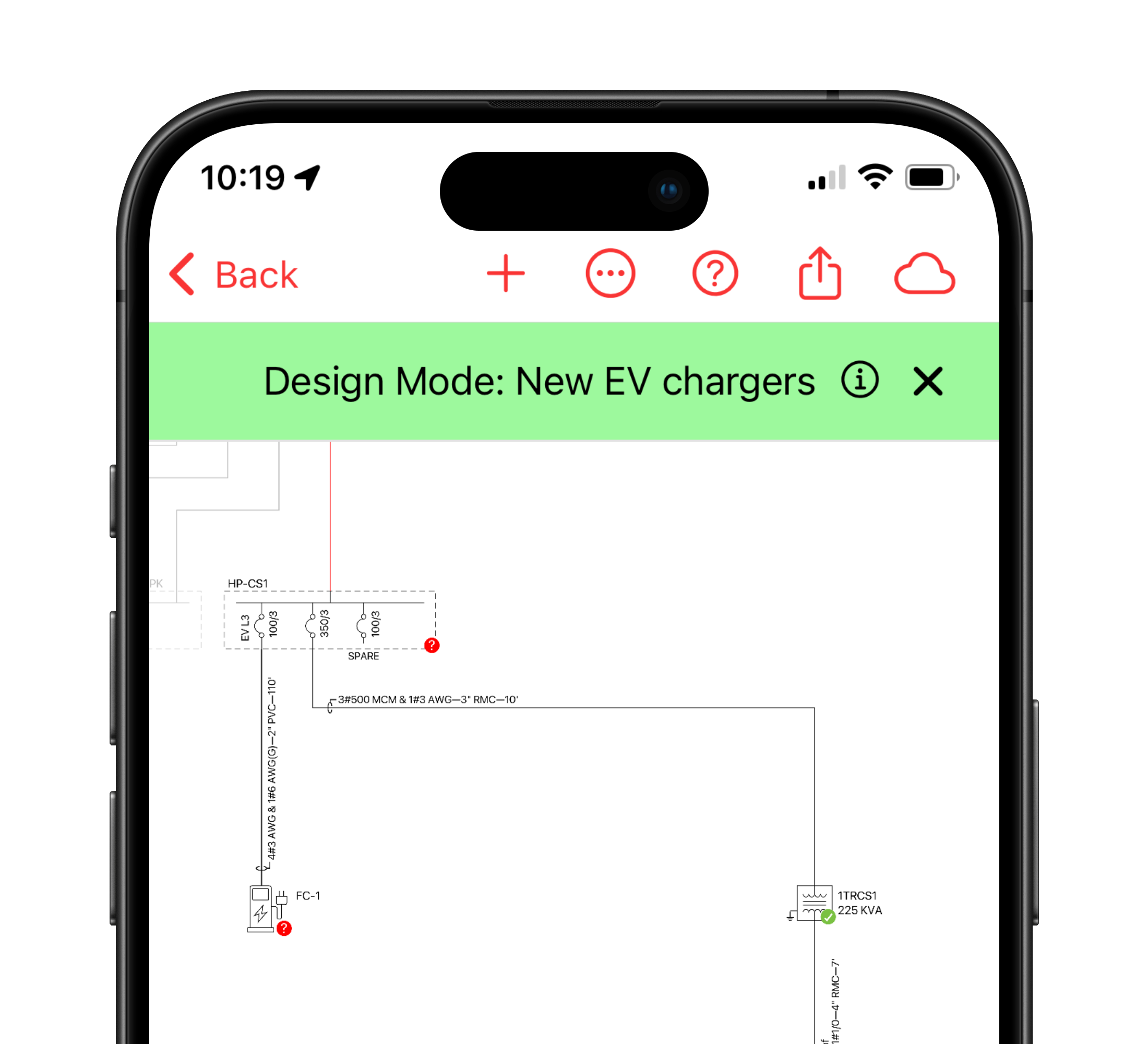
Learn more about how the Digital Single-Line Diagram feature is designed to make your electrical design work easier and more efficient. Check out the features below.
Create diagrams with ease

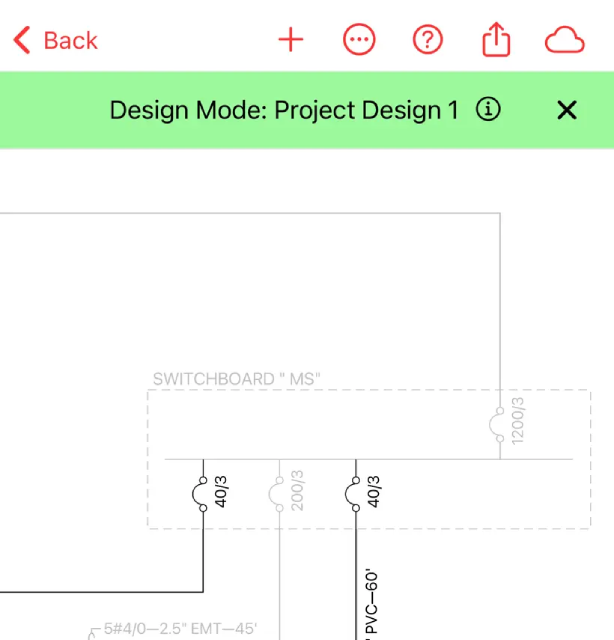
Start your single-line diagram by adding a utility transformer or other energy source with a simple tap. Once your initial equipment is in place, you can easily edit or add more equipment downstream. Our intuitive interface allows you to add a variety of electrical equipment, including panels, transformers, junction boxes, and transfer switches, with just a few taps.

Customize and Document
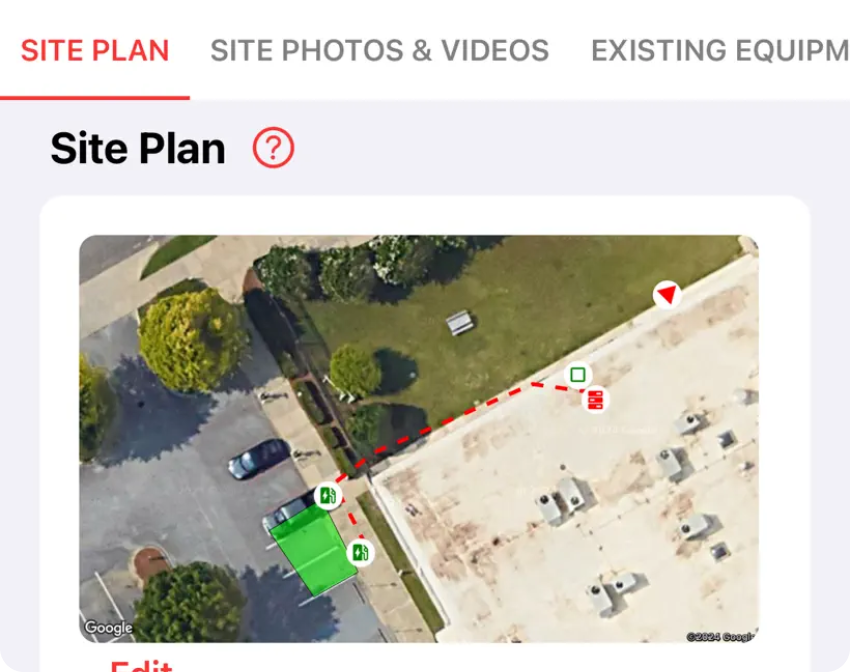
Do you have hundreds of photos of unnamed electrical equipment on your camera roll? One of the standout features of our single-line diagram tool is the ability to attach photos, videos, and notes to any piece of equipment. Document maintenance issues, code violations, or any other relevant information for future reference.
Integrate New Equipment
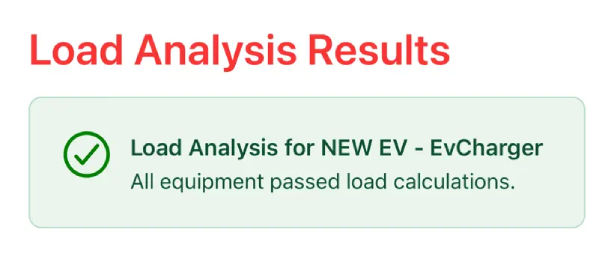
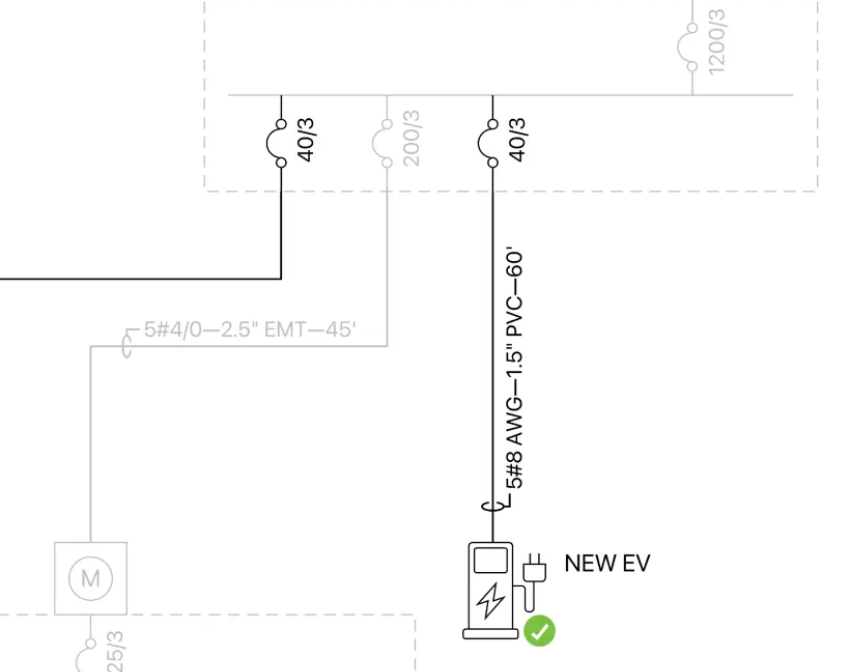
In Design Mode, integrating new equipment with existing infrastructure is seamless. Whether you’re adding a new EV charger to the parking lot or doing a panel upgrade, our tool ensures that your designs are accurate and understandable.


Effortless Exporting
Exporting your designs has never been easier. With a single tap, you can share your as-built diagrams or new designs as a CAD readable 24”x36” single-line diagram or a Bill of Materials in PDF format. This ensures that all stakeholders have access to precise and professional documentation.
Digital tools for electricians, project managers, and engineers in the field.


%20copy.png)